
Post Processing For Landscape Photography
- Learn how to recover details when shooting toward the sun.
- No complicated layers or steps, just a simple approach that makes sense.
- Bite sized lessons so you can follow along step by step at your own pace.
- A huge variety of subjects, lighting and scenes to learn from.
Post processing is a critical part of digital photography and can often make or break an image in its final stages.
This course shares with you a simple yet highly effective workflow for processing RAW landscape images, with an emphasis on creating depth and a realistic result.
This isn’t about Photoshop trickery or over-the-top AI edits, it’s about making the most of what you’ve captured with your camera with a reverence and respect for nature and the art of landscape photography.

Learn how to recover details when shooting toward the sun.

No complicated layers or steps, just a simple approach that makes sense.

Bite sized lessons so you can follow along step by step at your own pace.

A huge variety of subjects, lighting and scenes to learn from.
Step By Step ‘Patino Method’ Post Processing.
40 Different Lessons.
RAW files included.
Works in Photoshop (ACR) and Lightroom (LRC)
5 Hours of Learning.
What You’ll Learn
• A universal approach for processing a variety of scenes
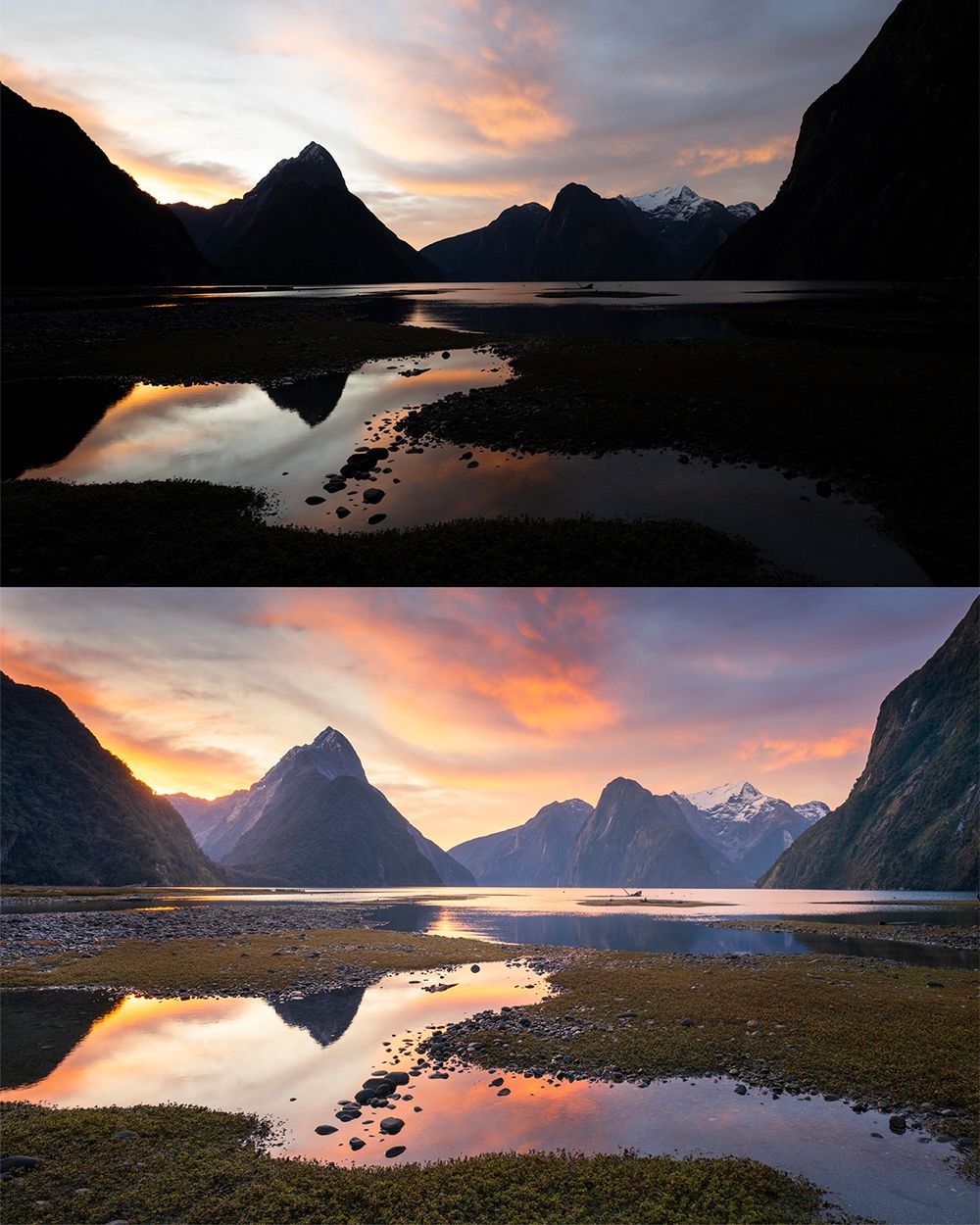
• How to recover details in large dynamic range scenery (like sunrises and sunsets)
• Post Processing techniques to create a sense of visual depth
• How to use light to create flow and shape an image
• The differences between Adobe programs and what you really need
• The key ingredients for making a great landscape photo
• The powerful role of darkness and light
• Masking and local adjustment tools
• Saving and exporting files – converting RAW to jpeg
• How to edit waterfalls, sunrises, sunsets and night sky images
Program Requirement
• Wills editing workflow is carried out in Adobe Camera Raw (ACR) however some lessons are also taught in Lightroom for those that prefer it.
• This approach to editing can be easily applied to most modern programs
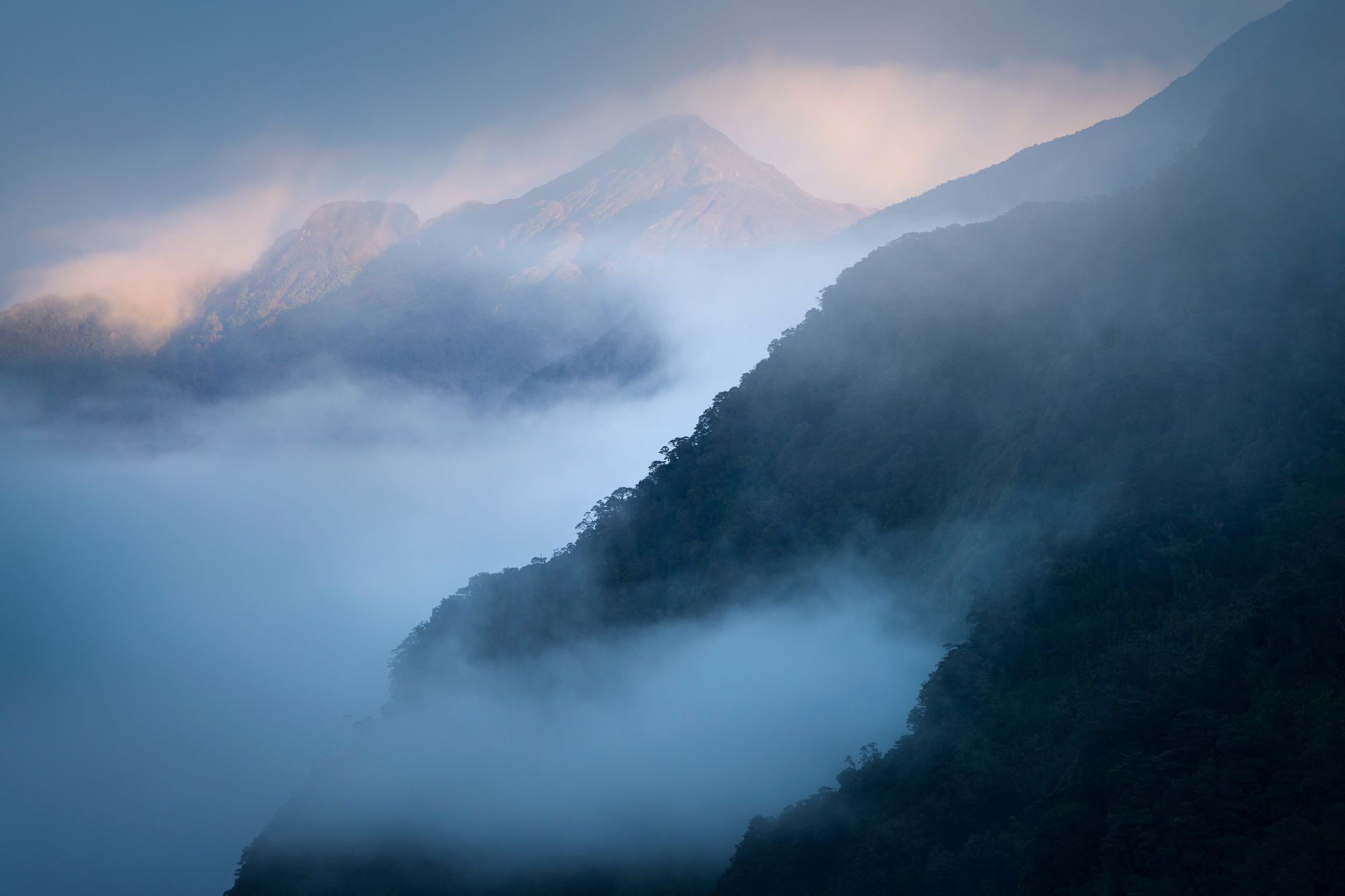

editing landscape photography course
